PE Tools Store
English
Available

Interval Trainer

Interval timers, class circuits and 47 animated cartoon exercise demonstrations in one offline file.

  • Works offline
  • Pay once, yours for life
  • No account
  • 5 languages
Interval Trainer — preview

See it work

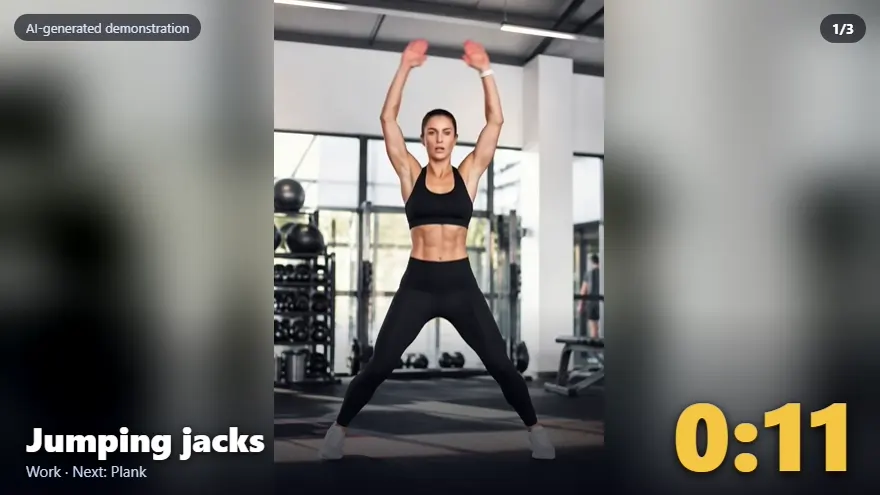
A real screen recording of the tool, with no editing of what it does. The narration and subtitles explain each step; the voice is AI-generated.

What is included

  • One HTML file (about 1.8 MB) with everything inside, including all 47 animated demonstrations. No internet, no account, no pupil data.
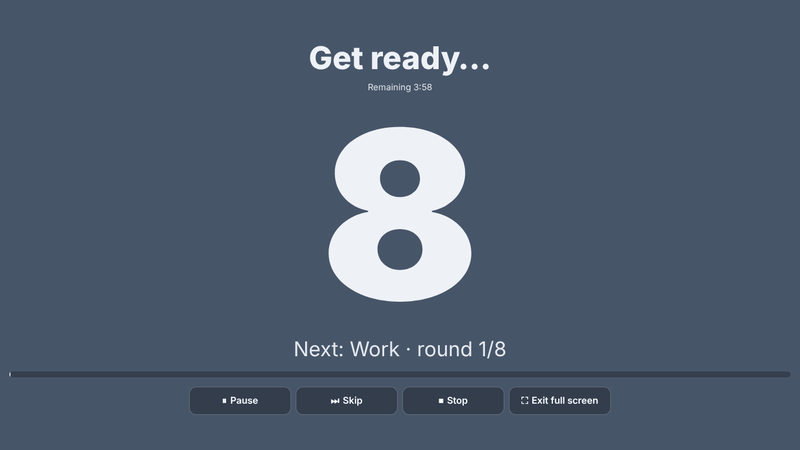
  • Interval timer with five presets: Tabata 8×20/10 s, Class HIIT 10×30/15 s, EMOM 10 (10×45/15 s), Strength (3 sets of 6 rounds, 40 s work / 20 s rest, with 60 s between sets) and Quick 6×15/10 s. Change the values and see the total time. Pause, resume and skip.
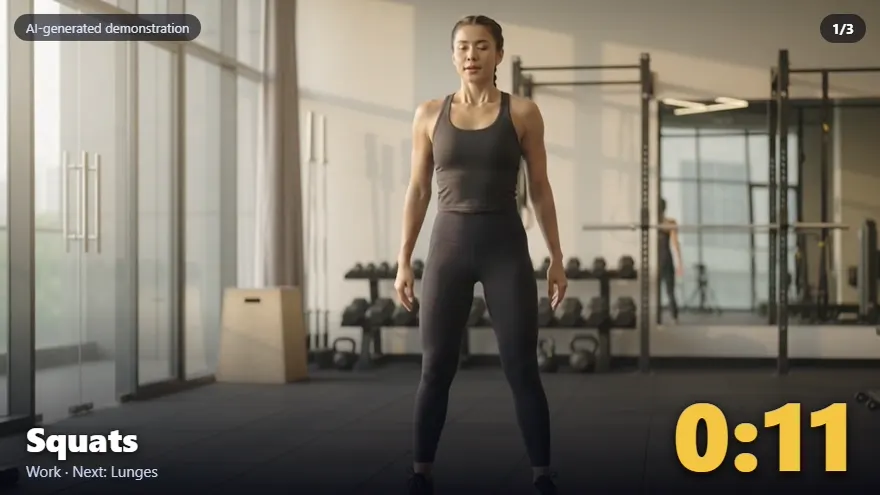
  • Class stations: draw 2–12 bodyweight stations by focus (mix, strength, aerobic, core, mobility). The tool runs the work and changeover times and shows the current station with its animation.
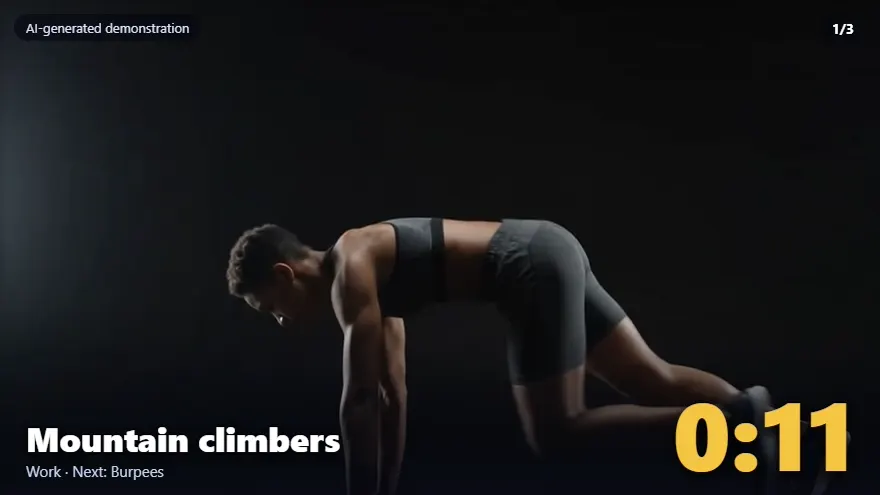
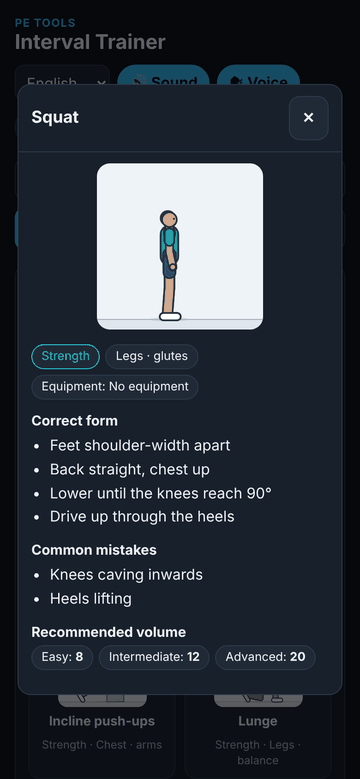
  • Exercise library: 47 exercises, each with a looping animated cartoon figure (a drawn figure, not a real person), muscles, equipment, form cues, common mistakes, and easy / intermediate / advanced volumes. Filter by group.
  • Fitness dice: a random bodyweight exercise and amount.
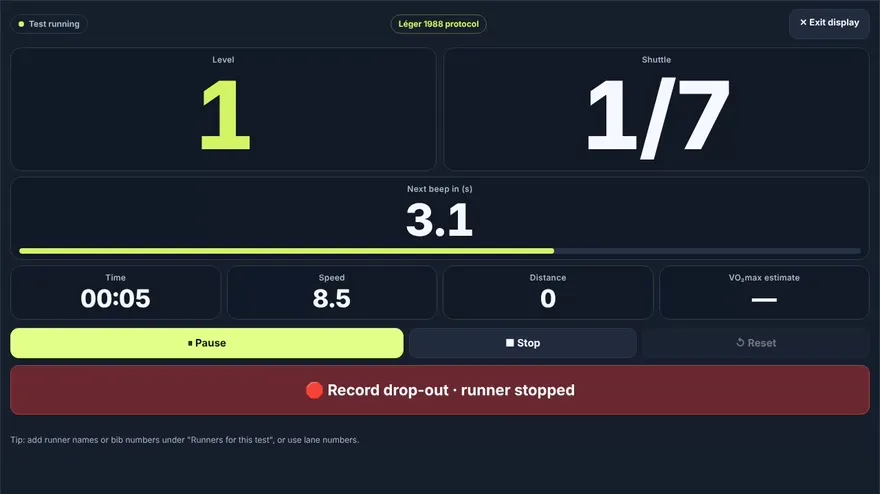
  • Beeps and a horn; optional voice using your device's voices; the screen is kept awake where the browser allows it; a full-screen "gym display" with a very large timer. Devices set to "reduce motion" show still pictures instead of the animations.

Who it is for: PE teachers who run circuits, warm-ups and conditioning with a class and want timers and clear exercise demonstrations without apps or accounts.

Languages: English (default), Hebrew, Arabic, Russian, Spanish (right-to-left for Hebrew and Arabic).

Format: a single self-contained HTML file. It runs offline once downloaded.

System requirements: a current web browser (Chrome, Edge or Safari, current version). Sound and a large screen are optional.

Good to know: it is a timing and demonstration tool, not a test and not a training programme. Choose exercises and levels that suit your pupils (see the safety line).
All content, drills, games, lesson plans and fitness tests are recommendations only. The teacher or user decides whether and how to use them and must adapt every activity — including fitness tests such as the 20 m shuttle run — to the pupils' age, health and ability and to the environment.

Translations were produced with AI. The professional content is accurate and was reviewed by several teachers and checked against Ministry of Education curricula from all angles; small proofreading, syntax or terminology errors are possible.

Licences

Single-Teacher licence. For one named teacher, with your own classes and pupils, on your own devices, wherever you teach. You may print it or show it on a screen for your pupils, and adapt it for your own lessons. The licence is personal: colleagues need their own licence (extra licences for colleagues are 30% off), and you may not resell the files or upload them to a public site or a shared drive. A substitute covering your classes may use the materials for those classes only. Updates and corrections to this version are free.

School licence. For one school at one campus. All PE staff employed at that campus, including substitutes, may use this product for the school's pupils and keep it on an internal drive that only they can access. Each further campus needs its own licence. It may not be shared with other schools, resold, or uploaded to a public site or a drive that people outside the school can open.

Full terms: Terms of Sale · Refund policy: Refund Policy · Safety: Safety · Contact: oshershvili15+pestore@gmail.com.